


Customize Your Chart of Accounts
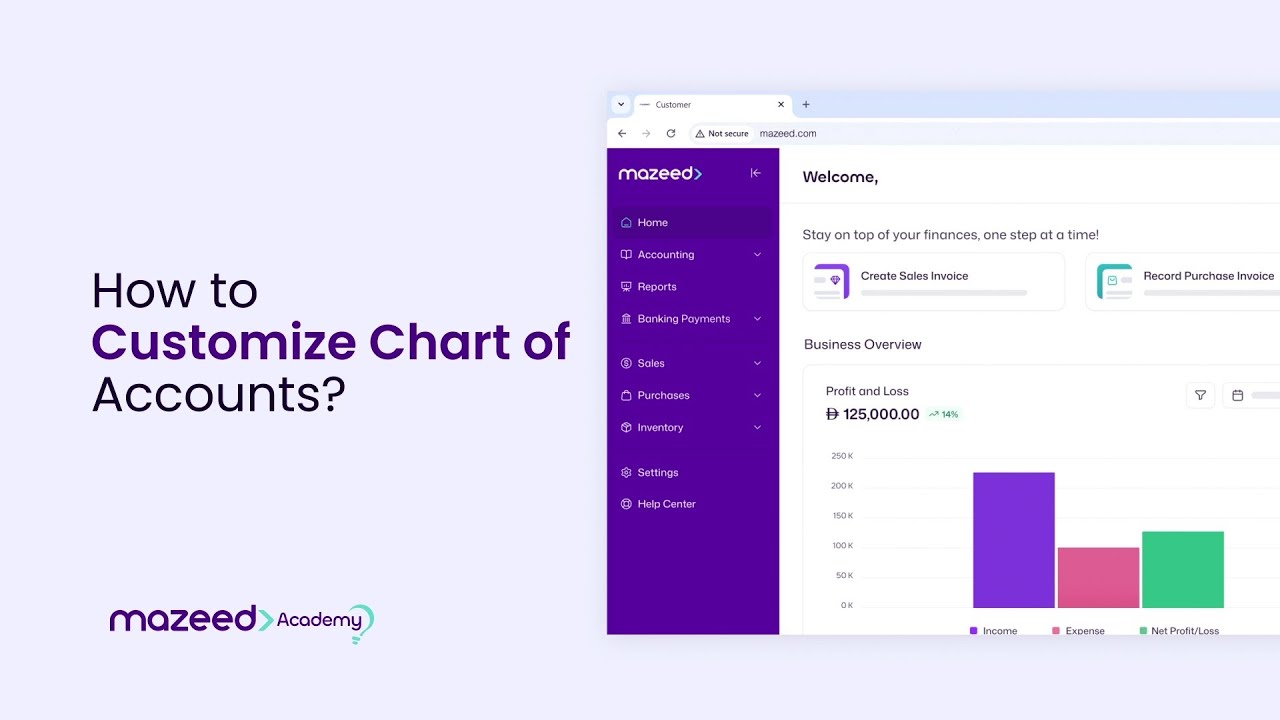
In this step by step tutorial, we’ll walk you through how to customize and manage your Chart of Accounts inside the Accounting Module of mazeed, one of the best accounting software in UAE . Your Chart of Accounts is the foundation of your financial structure, and keeping it organized is essential for accurate reports and smooth operations. mazeed is built specifically for UAE business owners, works with no complex configurations, and is backed by a local UAE-based support team.
What you’ll learn
- Navigate to the Chart of Accounts in the Accounting Module
- Expand and understand the COA hierarchy
- Identify classifications, groups, and GL/subgroups
- Create a new group under an existing category
- Create a GL account with account number, type, and currency
- Edit or delete groups and GLs (when no transactions exist)