


Manage Inventory Transfers & Adjustments
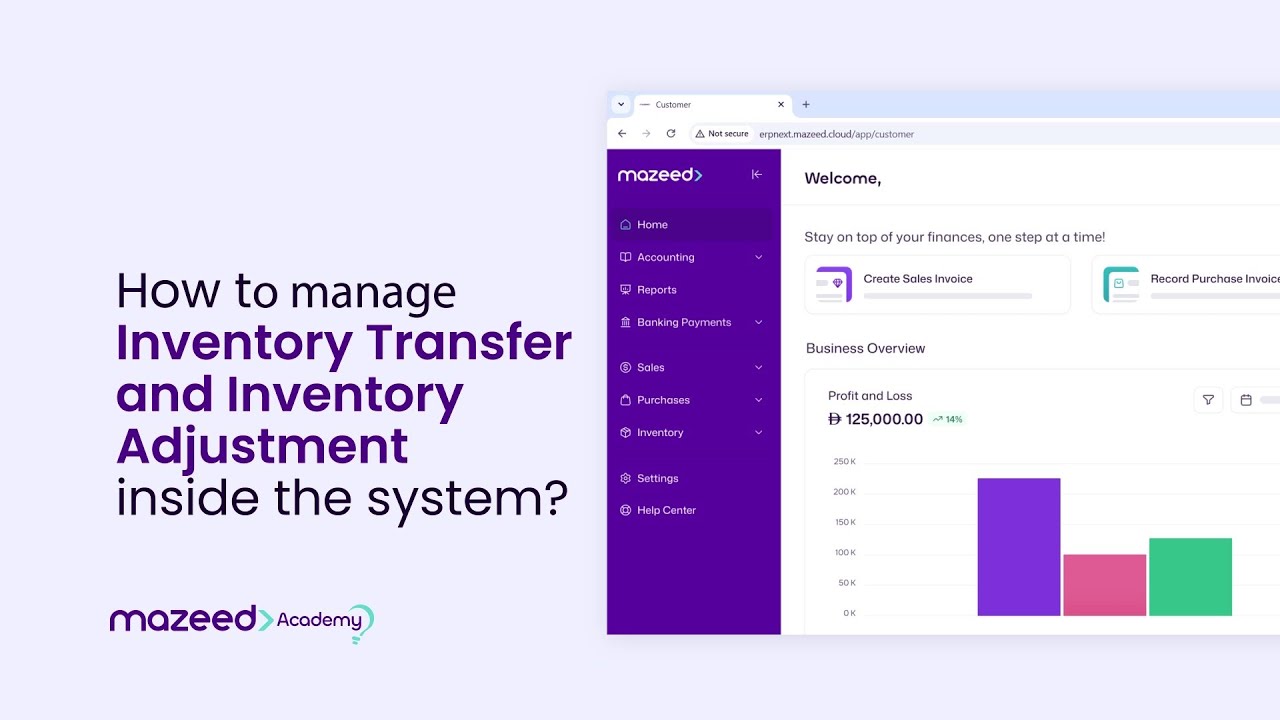
In this video, you will learn how to manage Inventory Transfer and Inventory Adjustment using mazeed’s inventory management module , ensuring accurate stock control across your warehouses with one of the best accounting software in UAE . mazeed is built specifically for UAE business owners, ready to use with no complex configurations, and backed by a local UAE-based support team.
What you’ll learn
- Navigate to the Inventory Transfer and Adjustment modules
- Create a new Inventory Transfer between warehouses
- Select items, quantities, and source/target warehouses
- Create an Inventory Adjustment for stock discrepancies
- Enter reasons and reference details for adjustments
- Review and save transfers or adjustments
- Submit to update stock levels automatically